
Design Editor
News Feeds
Live headlines from any RSS feed, updating themselves.
Add the element
In a design,
+ Add Element→News / RSS Feed.Paste the feed link
Any RSS or Atom feed - e.g.
https://www.afl.com.au/rssfor footy news. Most news sites, councils and clubs have one (look for "RSS").Hit Test feed
Shows the current headlines straight away, or tells you why the link won't work.
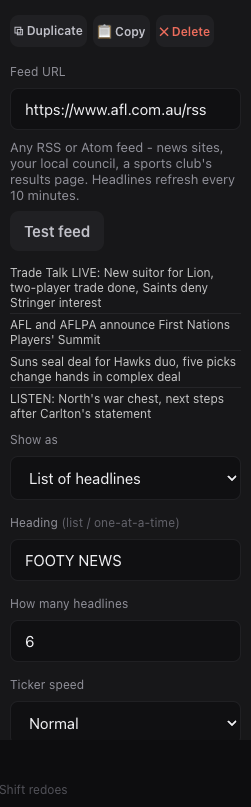
Test feed shows the live headlines straight away. Choose how it looks
List of headlines,Scrolling ticker(great along the bottom of an overlay) orOne headline at a time. Set the heading, how many headlines, size and colours.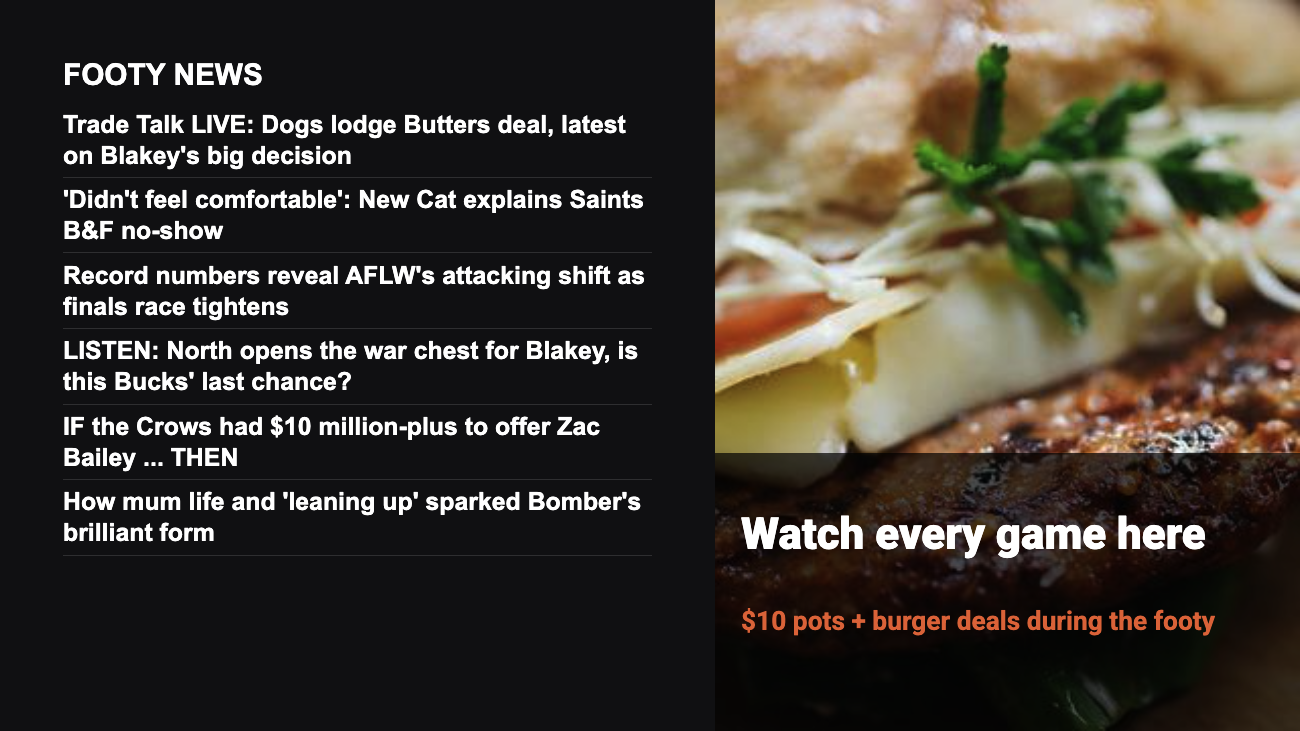
A headline list on screen. Save and push
Headlines refresh every 10 minutes, and the last ones keep showing if the internet drops.
Good to know: Included on every screen - no Pro upgrade needed.
Still stuck?Send us a ticket and the JJJK team will get back to you.
Submit a ticket